Write Better Prompts on the Go with PromptGPT Mobile
Optimize and format your AI prompts instantly. Features unified accounts, real-time voice typing input, and a system-wide notification shade assistant for Android.
Designed for Android 8.0+ • Dynamic Voice Control • Unified Credits System
"Notification limit ~150 chars. Optimize longer prompts via the app."
Why Use PromptGPT Mobile?
PromptGPT Mobile bridges the gap between your conceptual thoughts and high-quality AI outputs, straight from your handheld device.
- ✔ Speech-to-Text Drafting: Dictate complex workflows easily.
- ✔ Persistent Assistant Widget: Launch optimizations from any app screen.
- ✔ Real-time Synchronized Credits: Shared credit pools and prompt history.
App Screenshots Showcase
Explore the intuitive, powerful features built directly into the PromptGPT Mobile experience.
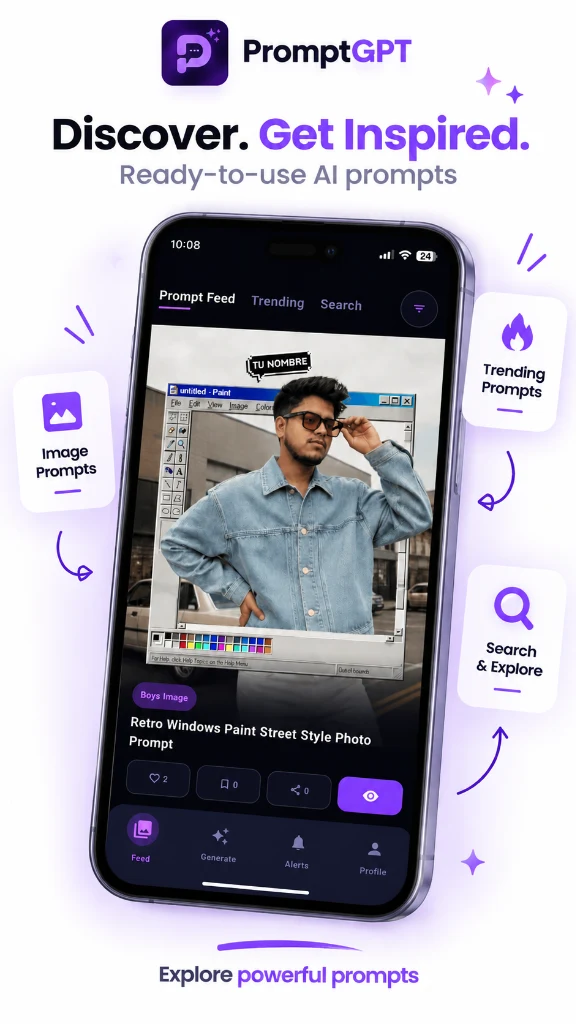
Discover & Get Inspired
Explore ready-to-use AI prompts, trending ideas, and visual inspirations with 1-click copy.
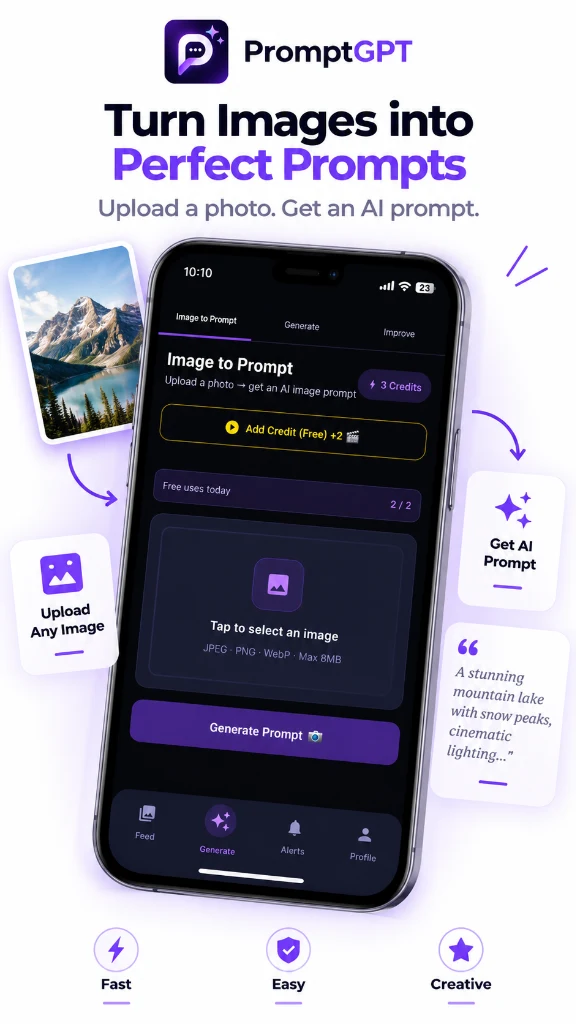
Turn Images to Prompts
Upload any photo and instantly reverse-engineer a rich, detailed AI prompt.
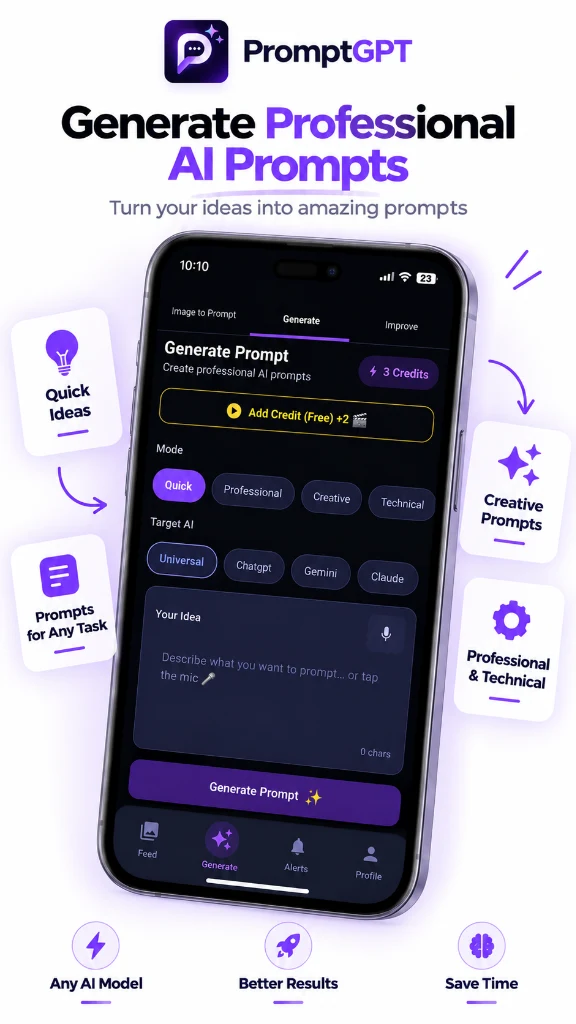
Professional Prompt Creator
Generate custom prompts tailored for ChatGPT, Midjourney, Gemini, Claude, and more.
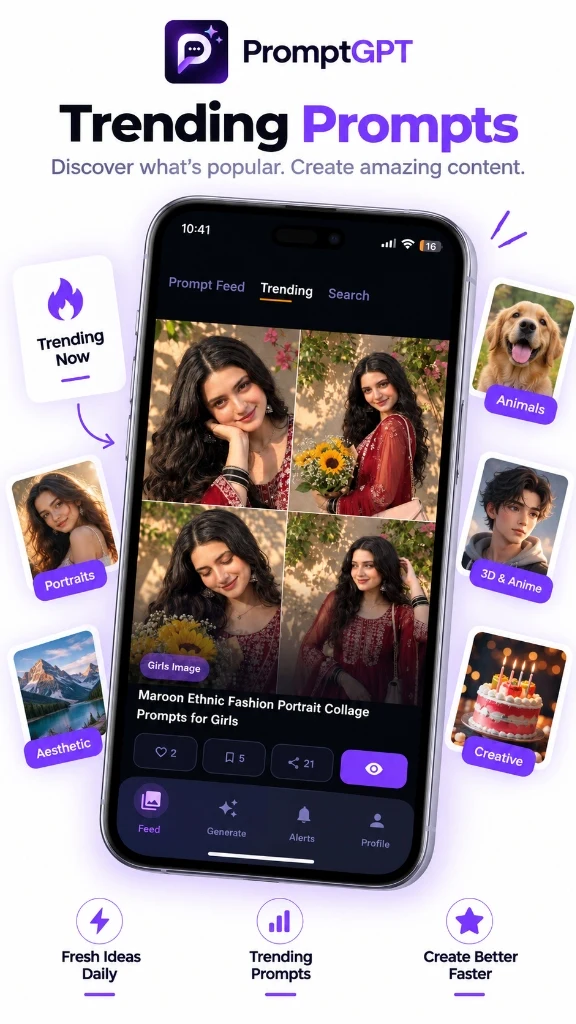
Trending AI Prompts
Stay ahead with the freshest community-tested prompts and viral styles updated daily.
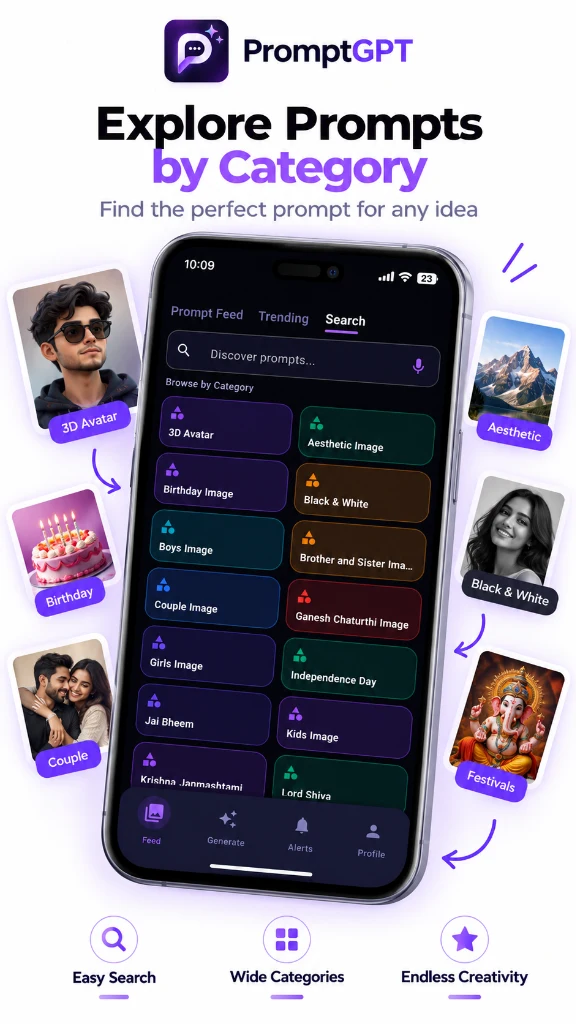
Wide Category Directory
Browse structured categories from 3D avatars and portraits to festivals and anime.
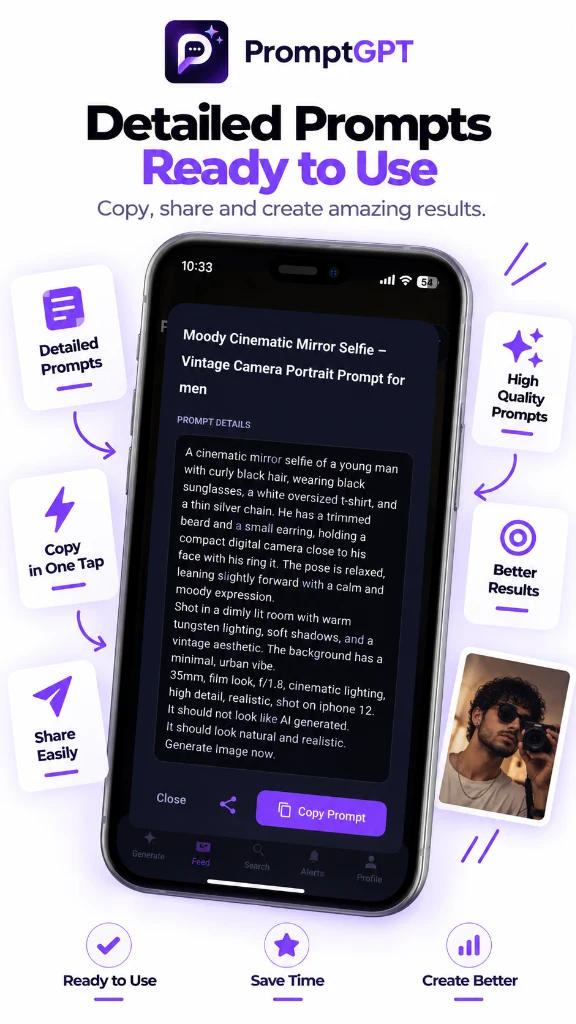
1-Tap Copy & Share
View complete prompt recipes with lighting, camera angles, and model specs ready to copy.
Master Prompting Anywhere
Get absolute prompt engineering mastery inside any active mobile workflow.
Android SpeechRecognizer
Say goodbye to tiny keyboard typos. Dictate prompts using high-quality Google voice modules, instantly converting standard spoken language into formatted prompts.
Notification Overlay
Features a persistent assistant widget sitting in your status bar. Shorten, expand, or format copied text snippets instantly without navigating away from your chat.
Unified Profiles
Shared databases synchronize your favorites list, credit allocations, and audit logs. A prompt optimized on desktop will instantly populate your mobile feed.
How to Setup the Mobile App
Download from Store
Go to the Google Play Store page via our installation link. Download and install the application directly.
Secure Sign-In
Log in using your existing PromptGPT credentials. Your credit balance, saved history, and profile templates will load automatically.
Enable Assistant Drawer
Activate the notification shader service inside the app settings to keep the quick action prompt engine active system-wide.